From a spoken problem to a work order — in one flow.
No forms to fill, no tickets to write. Here’s how RoomCare takes a room issue from the moment your staff notice it to the moment maintenance fixes it.
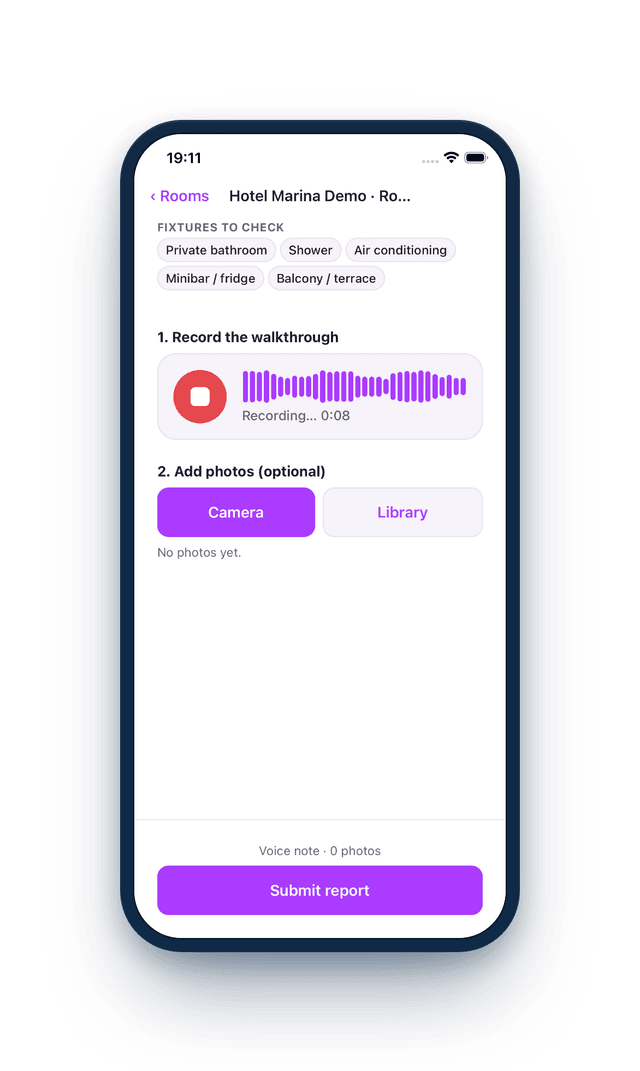
Capture by voice
Your staff open RoomCare on their phone, pick the room, and press record. They describe the problem the way they’d tell a colleague — “the shower in 204 is barely draining and there’s a cracked tile by the drain.” A live waveform shows it’s listening. Then they snap a photo or two.
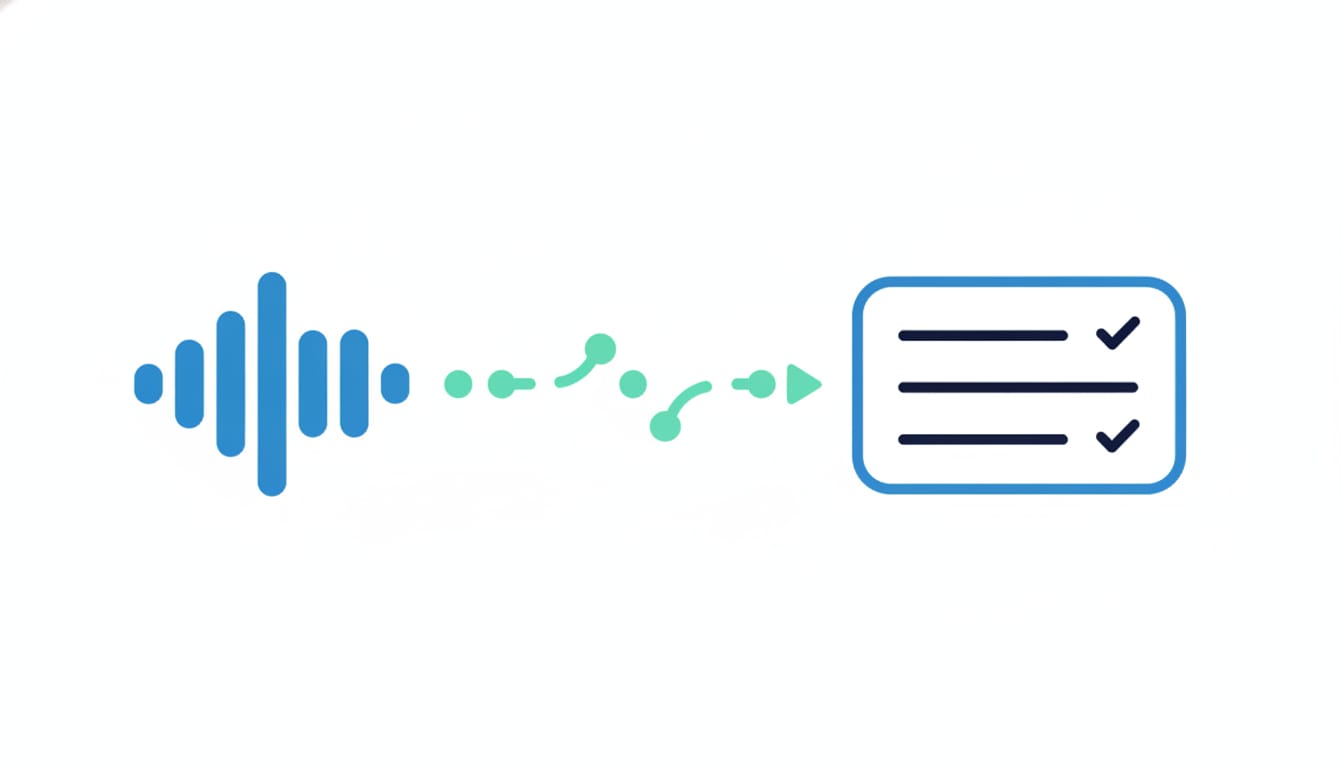
RoomCare understands it
RoomCare transcribes the recording and uses AI to pull out the actual issues — what’s wrong, which fixture, and how urgent — even when one recording mentions several problems. It’s structured automatically, so nobody has to categorize anything by hand.
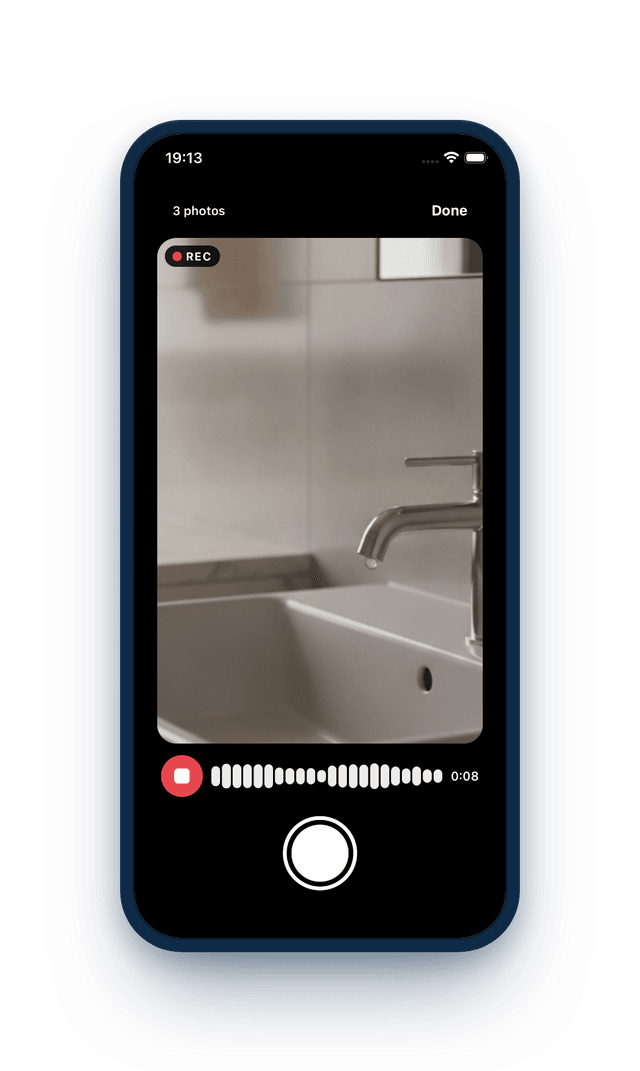
Photos matched to issues
Each photo is attached to the issue it shows, so maintenance sees the cracked tile right next to the note about the cracked tile. No guessing which picture goes with which problem.
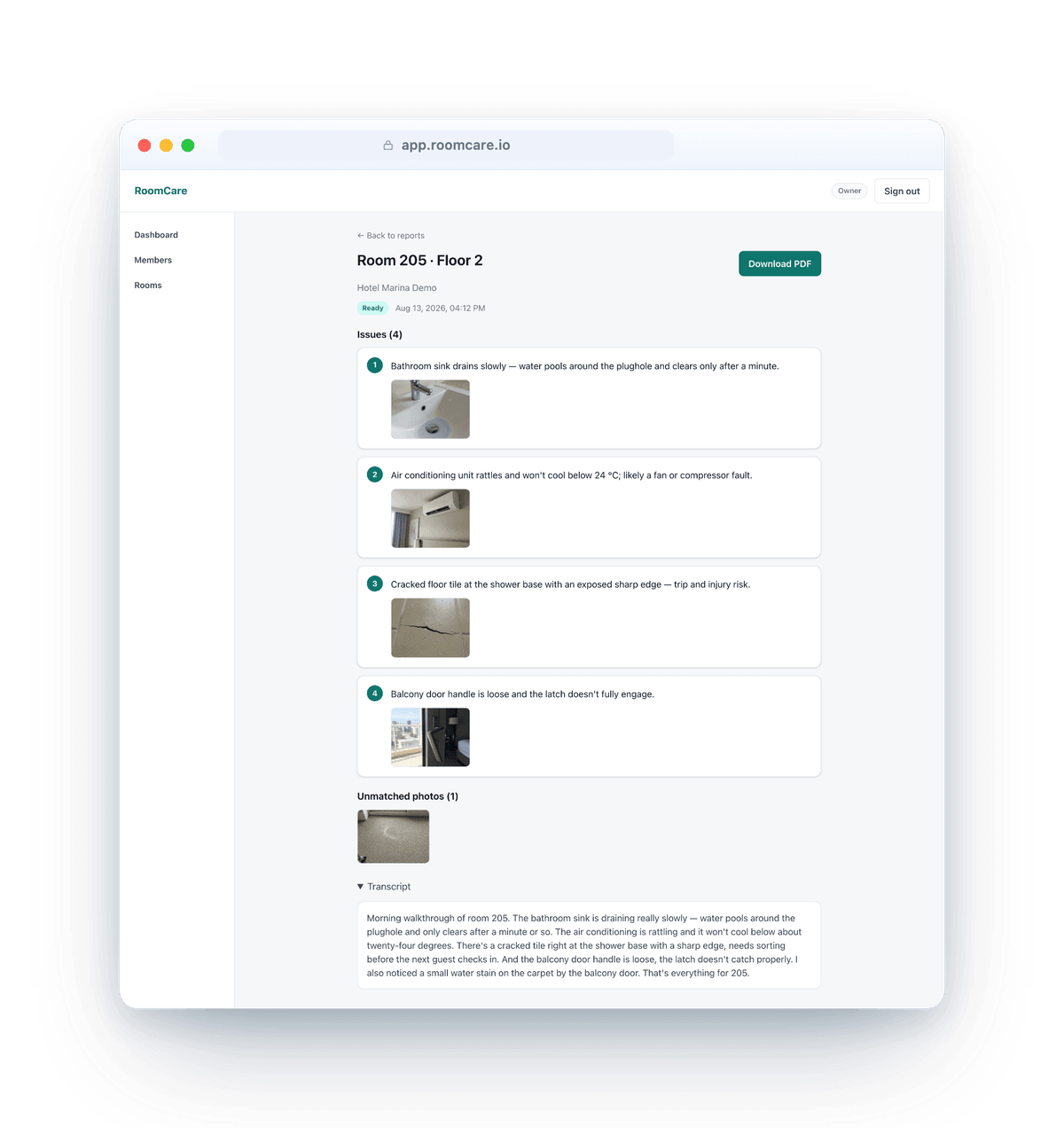
A clean work order comes out
The result is a clear work order: the issues written up, prioritized, and matched to the room and the photos. Managers review it in the dashboard; maintenance gets it as a PDF they can print or carry on a phone.
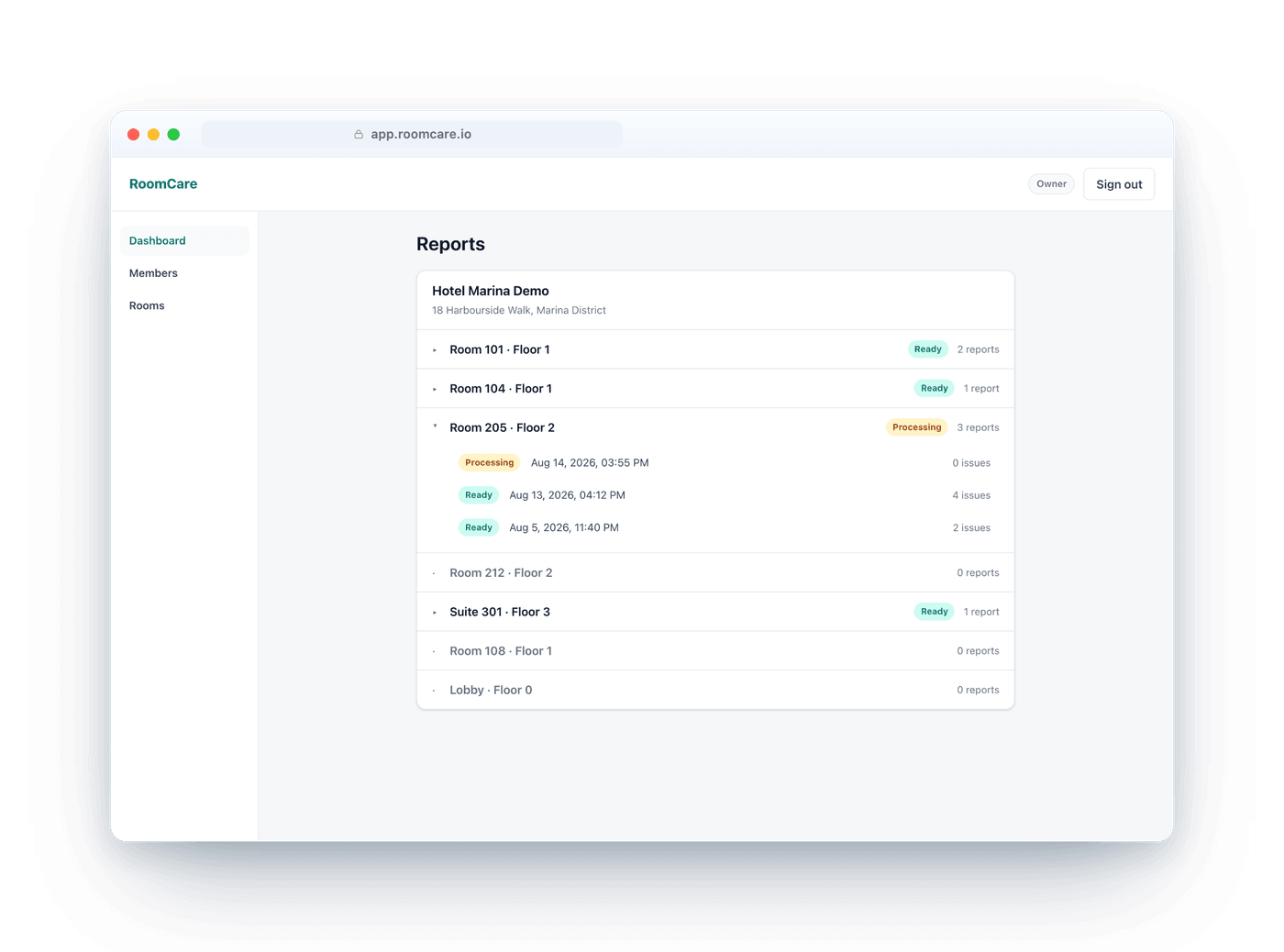
Tracked to done
Every report lives in your RoomCare dashboard across all your properties, so managers can see what’s open, what’s been handled, and what keeps coming back.
See it on your own rooms
We’ll walk you through the voice-to-work-order flow on rooms like yours — no slides, just the product.